
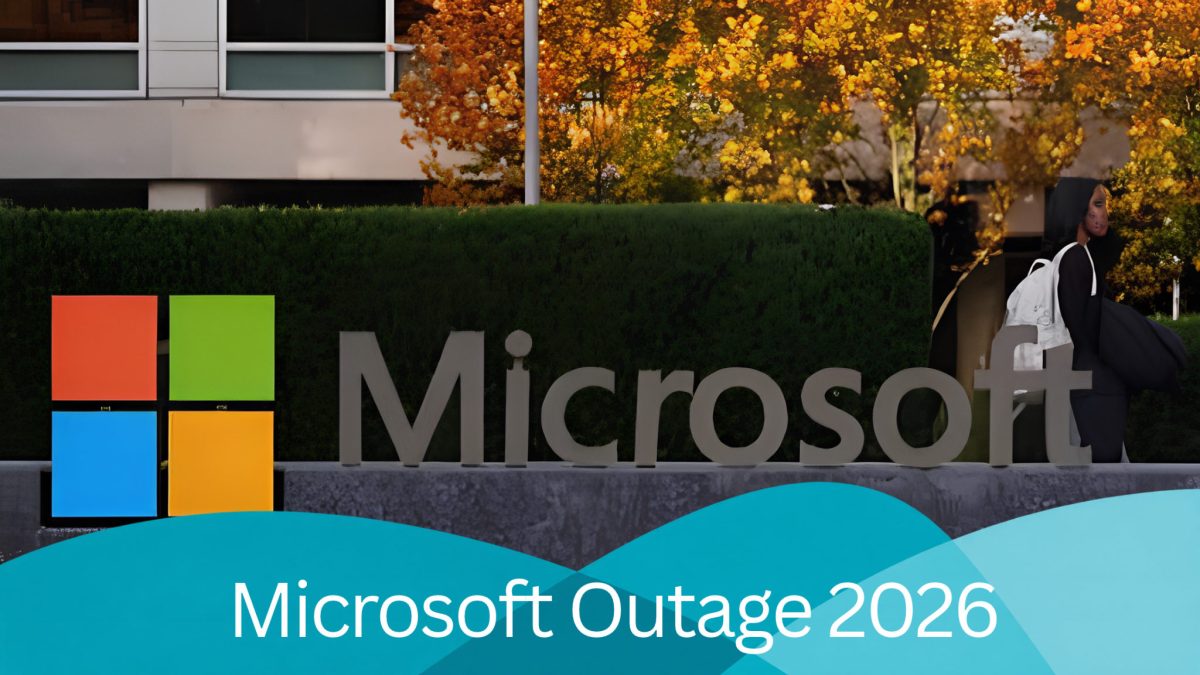
Microsoft 365 is at the heart of everyday operations for millions of businesses. From sending emails through Outlook to collaborating on Microsoft Teams and accessing important documents through SharePoint, these services help keep businesses connected and productive.
However, on Thursday 12 November 2026, Microsoft experienced a major service disruption affecting several Microsoft 365 applications, leaving businesses across multiple regions facing connectivity issues.
The disruption continued into Friday 13 November, highlighting just how dependent businesses have become on cloud-based technology.
So, what happened, which services were affected, and what can businesses learn from this incident?
What Happened to Microsoft 365?
Microsoft confirmed that users were experiencing difficulties connecting to several services within the Microsoft 365 platform.
The incident, identified as MO1550821, affected users across multiple regions, with some unable to access emails, collaboration tools and other Microsoft applications.
Microsoft’s investigation identified problems with its underlying server infrastructure. Some servers became unavailable, placing additional pressure on the remaining infrastructure and disrupting connections.
Engineers have been working to restore affected servers, redirect traffic and improve service stability.
As of 13 November, Microsoft had reported progress with its recovery work, although full service restoration had not been confirmed.
Which Microsoft Services Were Affected?
The disruption potentially affected several widely used business applications, including:
Microsoft Outlook and Exchange Online: Difficulties accessing mailboxes, sending emails or receiving messages.
Microsoft Teams: Problems connecting to collaboration and communication features.
SharePoint Online: Interruptions when accessing shared documents and business information.
Microsoft 365 Copilot: Connectivity issues affecting AI-powered productivity tools.
Microsoft Defender XDR: Potential disruption to security management and monitoring capabilities.
Not every business experienced the same issues, and the level of disruption varied between users and regions.
For organisations relying on Microsoft 365 to manage everyday operations, even a temporary interruption can create challenges.
How Can an Outage Affect Your Business?
For many businesses, Microsoft 365 is much more than an email platform.
It supports communication between employees, collaboration on projects, document management and important administrative processes.
When these systems become unavailable, businesses may experience:
Delays responding to customers and suppliers.
Interruptions to internal communication.
Difficulties accessing shared files and documents.
Reduced productivity while employees wait for services to recover.
Delays completing time-sensitive business activities.
For smaller businesses without dedicated internal IT teams, knowing whether the problem is local or part of a wider service outage can be particularly frustrating.
What Should You Do During a Microsoft 365 Outage?
If your business experiences difficulties accessing Microsoft 365, there are several practical steps you can take.
1. Check the Official Microsoft Service Status
Before making changes to your devices or accounts, establish whether Microsoft has reported a wider issue.
Microsoft provides service health information through its Microsoft 365 Admin Centre and official service status page.
This can help identify whether the issue is affecting your organisation or is part of a broader disruption.
2. Avoid Unnecessary Troubleshooting
If the problem is caused by Microsoft’s infrastructure, repeatedly changing passwords, reinstalling Outlook or modifying device settings is unlikely to resolve it.
Unnecessary changes could create additional problems once services are restored.
3. Keep Employees and Customers Informed
If your usual communication platforms are unavailable, consider using an alternative approved method to contact employees, customers and suppliers.
Keeping people informed can help manage expectations and minimise unnecessary confusion.
4. Have a Business Continuity Plan
Every business should consider how it would operate if essential technology suddenly became unavailable.
This might include having alternative communication channels, access to critical contact information and procedures for handling urgent work during an outage.
5. Review Your IT Support Arrangements
Reliable IT support can help businesses establish whether an issue is local, account-related or part of a wider service disruption.
Although an IT provider cannot directly repair Microsoft’s infrastructure, they can help organisations understand the impact, manage communication and plan appropriately
Why Business Continuity Matters
The Microsoft 365 outage is an important reminder that even established technology platforms can experience unexpected problems.
Cloud services provide businesses with flexibility, accessibility and valuable collaboration tools, but no service can guarantee uninterrupted availability.
This is why business continuity planning should be an essential part of your IT strategy.
Alongside reliable IT support, businesses should consider maintaining appropriate data backups, reviewing access to important information and preparing alternative methods of communication.
It’s also important to understand that data backups and business continuity plans serve different purposes. Having a backup does not automatically restore access to a cloud service during an outage, but a wider continuity strategy can help your business manage the disruption.
How The IT Business Can Help
At The IT Business, we understand how important dependable technology is to the smooth running of your business.
Whether you’re using Microsoft 365 for communication, collaboration or day-to-day operations, having the right IT support in place can make a real difference.
We help businesses manage their IT systems, identify potential issues and put practical solutions in place to support their ongoing operations.
While outages affecting third-party platforms are sometimes outside anyone’s immediate control, being prepared can help reduce their impact.
Need help reviewing your business IT systems or planning for unexpected disruptions?
Get in touch with The IT Business to find out how we can support your organisation.